

Generate the address
Open your profile under Integrate → Browser Profiles and click Generate address under Champ email address. Selecting Email under Two-factor authentication also generates one automatically.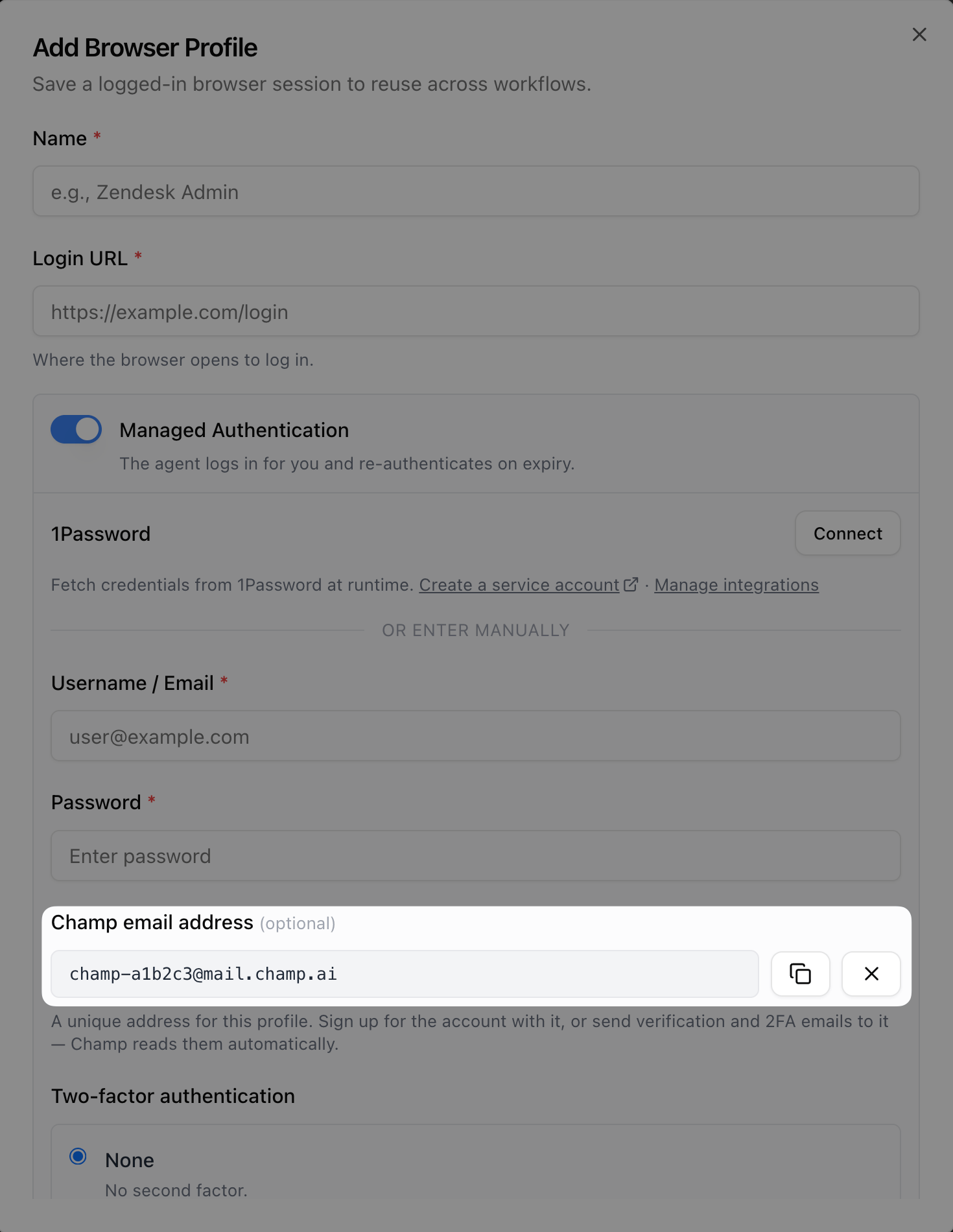
The browser profile dialog with a generated Champ email address. Use the copy button to grab it.
What to use it for
- Sign up with it — when creating a fresh account for Champ to use, use the Champ address as the account’s email. Verification emails and 2FA codes land in Champ directly — nothing to forward or register. Works whether or not the site uses 2FA.
- Receive 2FA codes — if the site emails one-time codes, get them to the Champ address and select Email under Two-factor authentication. See Email 2FA.
- Receive account email — password resets, magic links, and confirmations sent to the address are visible on the profile page.