

workflow_id in your handler if you only care about specific workflows.
Prerequisites
A webhook destination is modeled as a REST API integration, so Champ can reuse its auth config when delivering events. Add one first:- Follow Add a REST API integration.
- Set Base URL to the root of your webhook receiver (e.g.
https://hooks.yourapp.com). - Configure Authentication — this is how your handler will verify that a request actually came from Champ. See Authentication.
Create a subscription
- Go to Account → Webhooks.
- Under Active Webhooks, click Create Webhook.
- Fill in the fields:
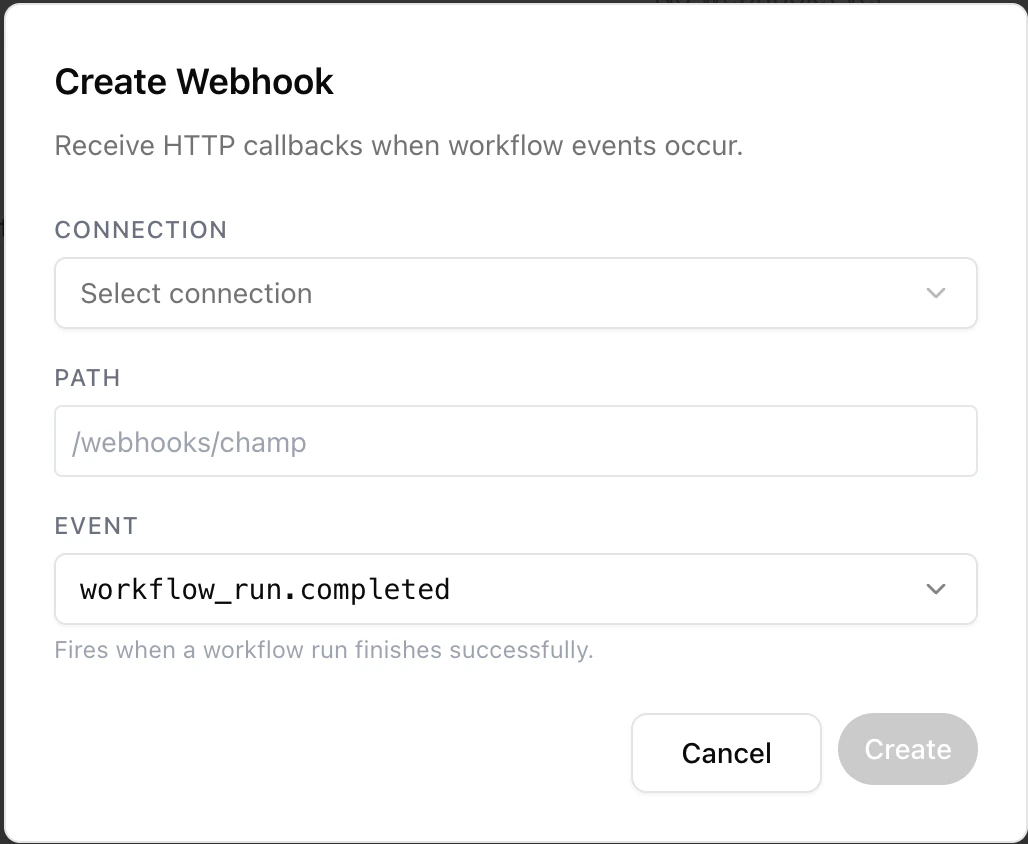
The Create Webhook dialog.
string
required
The REST API integration that will receive deliveries. The full URL Champ POSTs to is the connection’s Base URL plus the Path you set below.
string
required
The path on the destination (e.g.
/webhooks/champ). Must start with /.enum
required
Which event to subscribe to. See available events.
- Click Create. New subscriptions start in the
activestate and begin firing on the next qualifying run.
Available events
Champ emits two families of events: workflow run events for any run, and case events for the durable cases that workflows process.
Each subscription listens for exactly one event type. To receive several events, create one subscription per event (they can point to the same path).
Case events fire only on a real transition into the closed or error state — re-running a case that is already in that state does not re-fire. The two families carry different payload shapes; see Payloads & delivery.
Recent Events
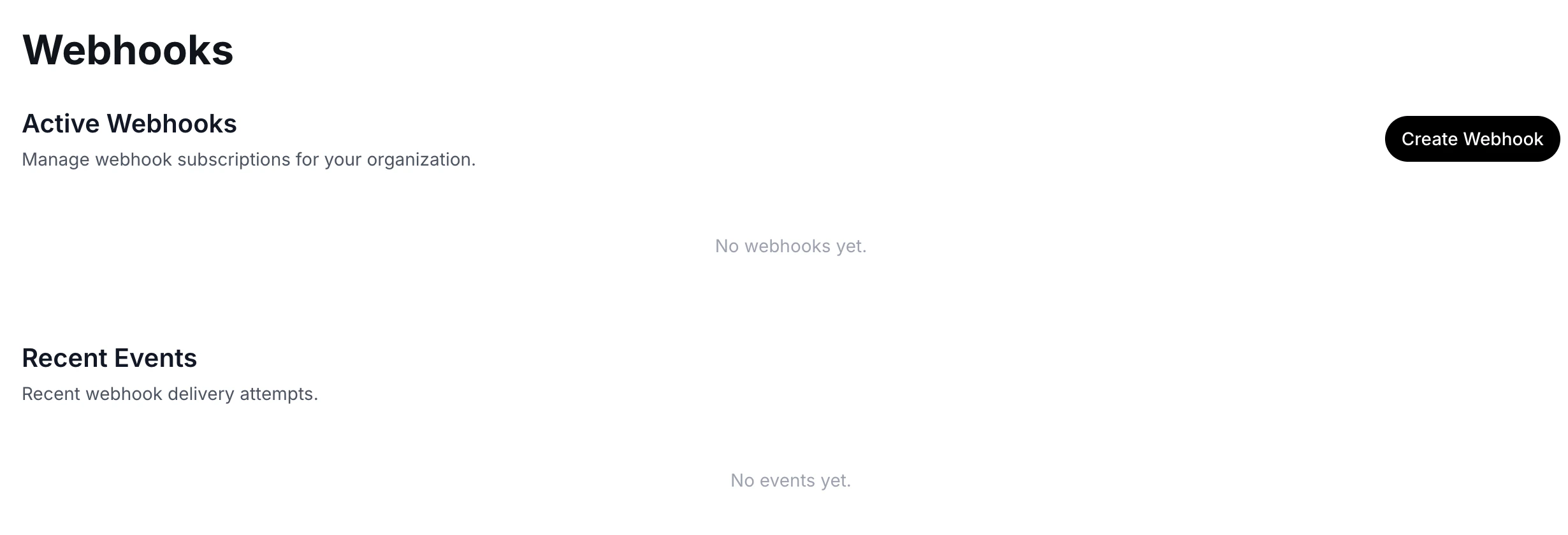
The Webhooks page. Active subscriptions appear at the top; recent delivery attempts show under Recent Events.
- Status —
pending,in_progress,completed, orfailed - Event type
- Destination URL
- Created and delivered timestamps
- The full payload (expandable JSON view)