> ## Documentation Index
> Fetch the complete documentation index at: https://docs.champ.ai/llms.txt
> Use this file to discover all available pages before exploring further.
# Set up webhook subscriptions
> Get notified when workflow runs complete or fail
Webhook subscriptions tell Champ to POST an event to a URL you control whenever a workflow run reaches a terminal state or a case is closed or errors. Subscriptions are **tenant-scoped** — one subscription fires for every matching workflow run or case in your organization. There is no per-workflow filtering today; filter on `workflow_id` in your handler if you only care about specific workflows.
## Prerequisites
A webhook destination is modeled as a REST API integration, so Champ can reuse its auth config when delivering events. Add one first:
1. Follow [Add a REST API integration](/integrations/rest-api).
2. Set **Base URL** to the root of your webhook receiver (e.g. `https://hooks.yourapp.com`).
3. Configure **Authentication** — this is how your handler will verify that a request actually came from Champ. See [Authentication](/webhooks/payloads#authentication).
## Create a subscription
1. Go to [**Account → Webhooks**](https://dash.champ.ai/app/account/webhooks).
2. Under **Active Webhooks**, click **Create Webhook**.
3. Fill in the fields:
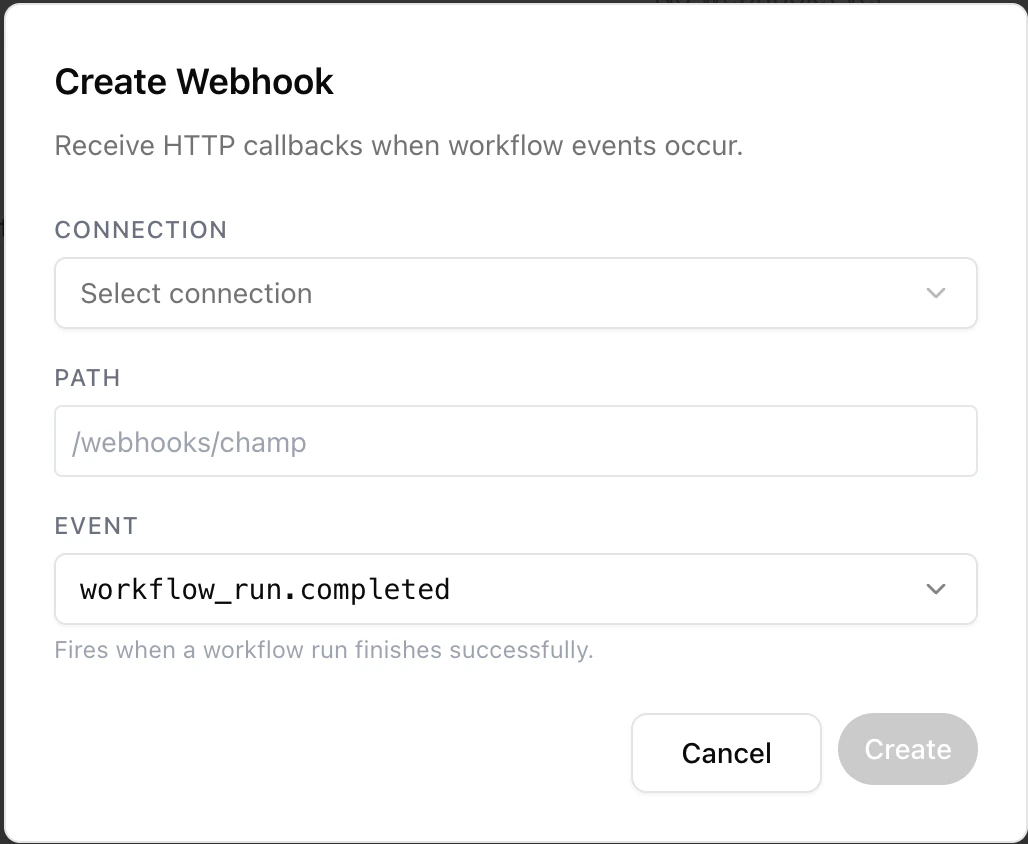 The REST API integration that will receive deliveries. The full URL Champ POSTs to is the connection's **Base URL** plus the **Path** you set below.
The path on the destination (e.g. `/webhooks/champ`). Must start with `/`.
Which event to subscribe to. See [available events](#available-events).
4. Click **Create**. New subscriptions start in the `active` state and begin firing on the next qualifying run.
You can pause, resume, or delete subscriptions from the same page. Pausing stops new deliveries without clearing past events from the **Recent Events** list.
## Available events
Champ emits two families of events: **workflow run** events for any run, and **case** events for the durable
[cases](/integrations/cases-api) that workflows process.
| Event | Fires when |
| ------------------------ | ------------------------------------------------- |
| `workflow_run.completed` | A workflow run finishes successfully |
| `workflow_run.failed` | A workflow run terminates with an error |
| `case.closed` | A case transitions to its closed (resolved) state |
| `case.error` | A case transitions to its error state |
Each subscription listens for exactly one event type. To receive several events, create one subscription per event (they can point to the same path).
Case events fire only on a real transition **into** the closed or error state — re-running a case that is already in that state does not re-fire. The two families carry different payload shapes; see [Payloads & delivery](/webhooks/payloads).
## Recent Events
The REST API integration that will receive deliveries. The full URL Champ POSTs to is the connection's **Base URL** plus the **Path** you set below.
The path on the destination (e.g. `/webhooks/champ`). Must start with `/`.
Which event to subscribe to. See [available events](#available-events).
4. Click **Create**. New subscriptions start in the `active` state and begin firing on the next qualifying run.
You can pause, resume, or delete subscriptions from the same page. Pausing stops new deliveries without clearing past events from the **Recent Events** list.
## Available events
Champ emits two families of events: **workflow run** events for any run, and **case** events for the durable
[cases](/integrations/cases-api) that workflows process.
| Event | Fires when |
| ------------------------ | ------------------------------------------------- |
| `workflow_run.completed` | A workflow run finishes successfully |
| `workflow_run.failed` | A workflow run terminates with an error |
| `case.closed` | A case transitions to its closed (resolved) state |
| `case.error` | A case transitions to its error state |
Each subscription listens for exactly one event type. To receive several events, create one subscription per event (they can point to the same path).
Case events fire only on a real transition **into** the closed or error state — re-running a case that is already in that state does not re-fire. The two families carry different payload shapes; see [Payloads & delivery](/webhooks/payloads).
## Recent Events
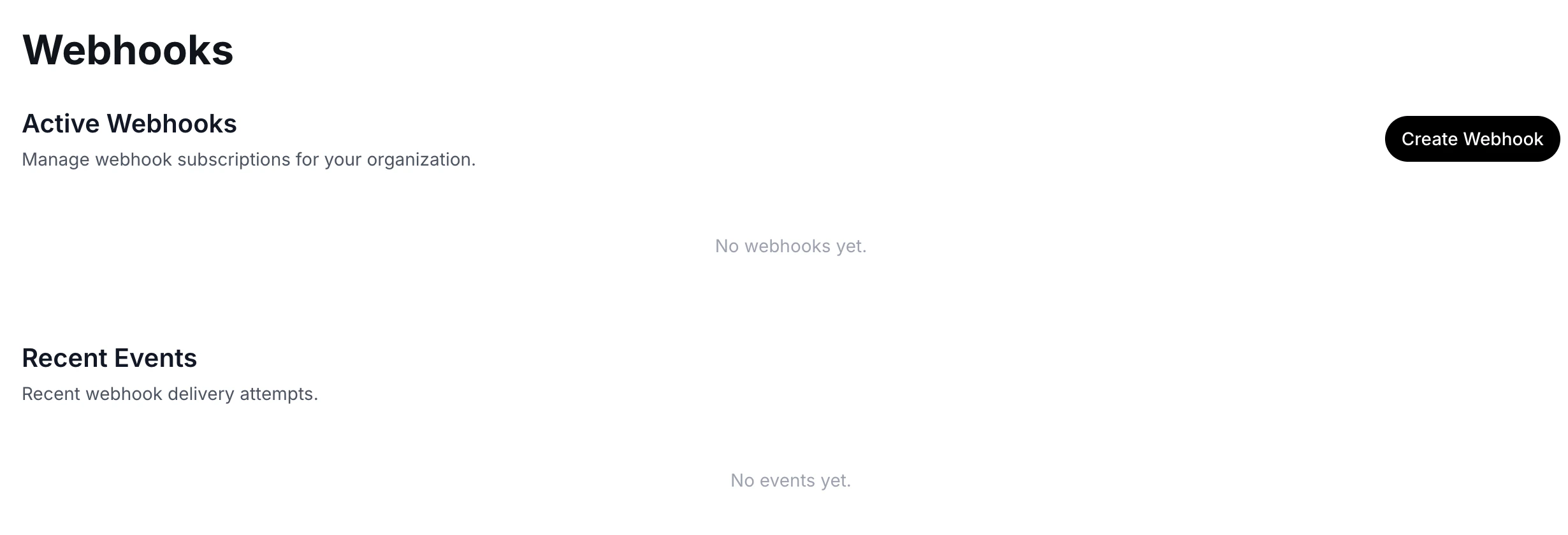 Every delivery attempt is recorded under **Recent Events**. Each row shows:
* **Status** — `pending`, `in_progress`, `completed`, or `failed`
* **Event type**
* **Destination URL**
* **Created** and **delivered** timestamps
* The full **payload** (expandable JSON view)
Use this to debug integrations during setup or confirm that a specific run fired. See [Payloads & delivery](/webhooks/payloads) for what to expect in your handler.
Every delivery attempt is recorded under **Recent Events**. Each row shows:
* **Status** — `pending`, `in_progress`, `completed`, or `failed`
* **Event type**
* **Destination URL**
* **Created** and **delivered** timestamps
* The full **payload** (expandable JSON view)
Use this to debug integrations during setup or confirm that a specific run fired. See [Payloads & delivery](/webhooks/payloads) for what to expect in your handler.